
For software teams and agencies
Your estimate is the first thing you ship.
Use Bestimate to break a feature into tasks, estimate time and cost, and send the estimate to your client for approval.
From estimate in Bestimate to finished iOS app
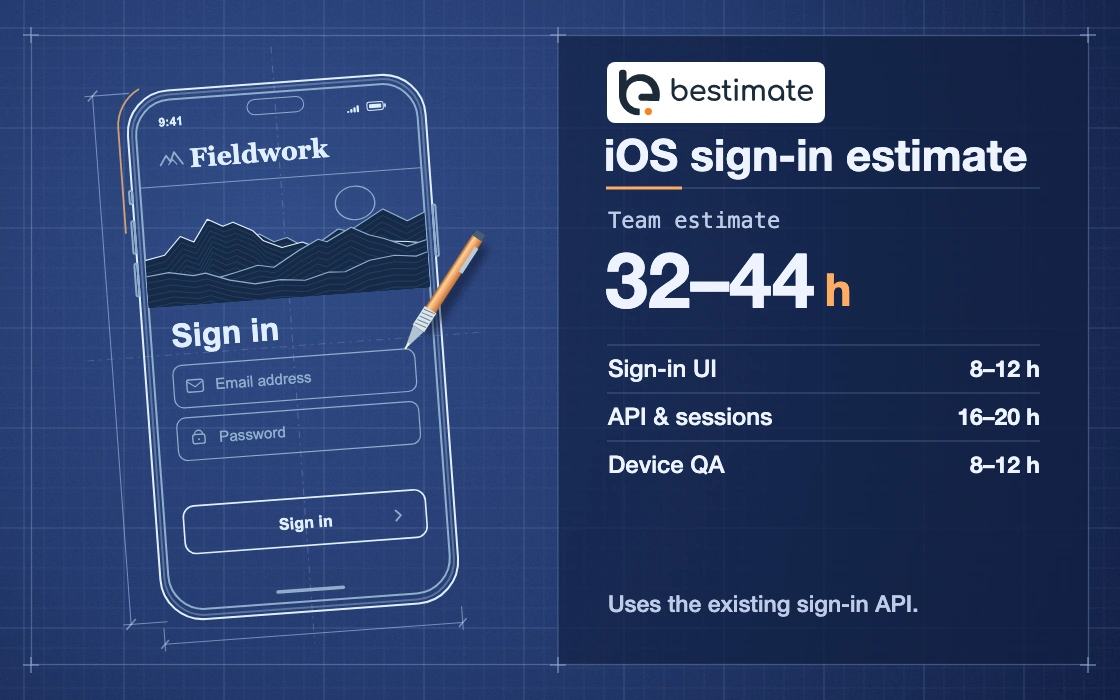
Estimate the sign-in flow in Bestimate
This example assumes the authentication API already exists. The team estimates three tasks to connect the iOS app to it. It estimates 8–12 h for the UI, 16–20 h for API integration and sessions, and 8–12 h for device testing. The total is 32–44 h.
Revise the estimate
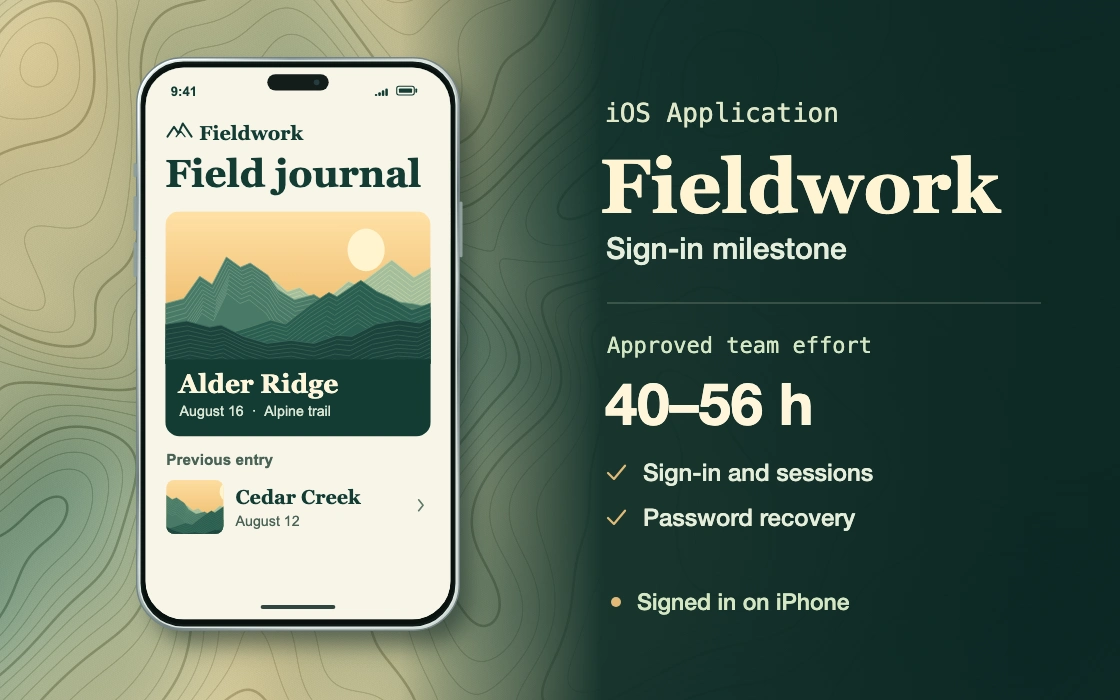
The client asks for password recovery. The team adds 8–12 h to build and test it. The revised estimate in Bestimate is 40–56 h.
Send the estimate for approval
The team shares the revised estimate from Bestimate. The client approves 40–56 h for sign-in and password recovery. Bestimate records the approval.
Build the approved flow
The team starts development with an approved scope. In the finished iOS app, users can sign in and open their field journal.
What changed in the CSV estimate?
The client wants to download selected columns from a report. Compare the first pass with the tester’s review to see why the scope needs four more hours.
Hand the approved work to your team
On an eligible plan, choose Send to Asana and select your team’s connected project. Each task arrives with its acceptance criteria in the notes.
Example estimate
CSV export
Add a download option to the reports screen.
Estimated effort
Estimated effort 16 h
| Task | Effort |
|---|---|
| Select report columns | 4 h |
| Generate the CSV file | 8 h |
| Test large reports | 4 h |
The lead delegates the testing section to QA. Choose After review to see which task needs more time.
Plans and pricing
To send approved tasks to Asana, choose a plan that lists Project management integration.
Start your 7-day free trial
Choose a plan below, then select Start trial.
FAQs
How do I estimate a software feature in Bestimate?
Add tasks for the work involved, such as updating the interface, connecting to the API, and testing on devices. Estimate the time and cost for each task, then review the total before you share it.
Can my team review an estimate together?
Send sections of an estimate to collaborators on a plan that includes Section Delegation. For example, ask a tester to check whether you allowed enough time for device testing.
How does a client approve an estimate?
Send the estimate to your client for approval. They can review the scope and approve it online before development starts.
Can I send approved tasks to Asana?
Yes, with a plan that includes Project management integration. Choose Send to Asana and select a connected project. View plans
How long is the free trial?
The free trial lasts 7 days. View plans to choose the features you want to try.